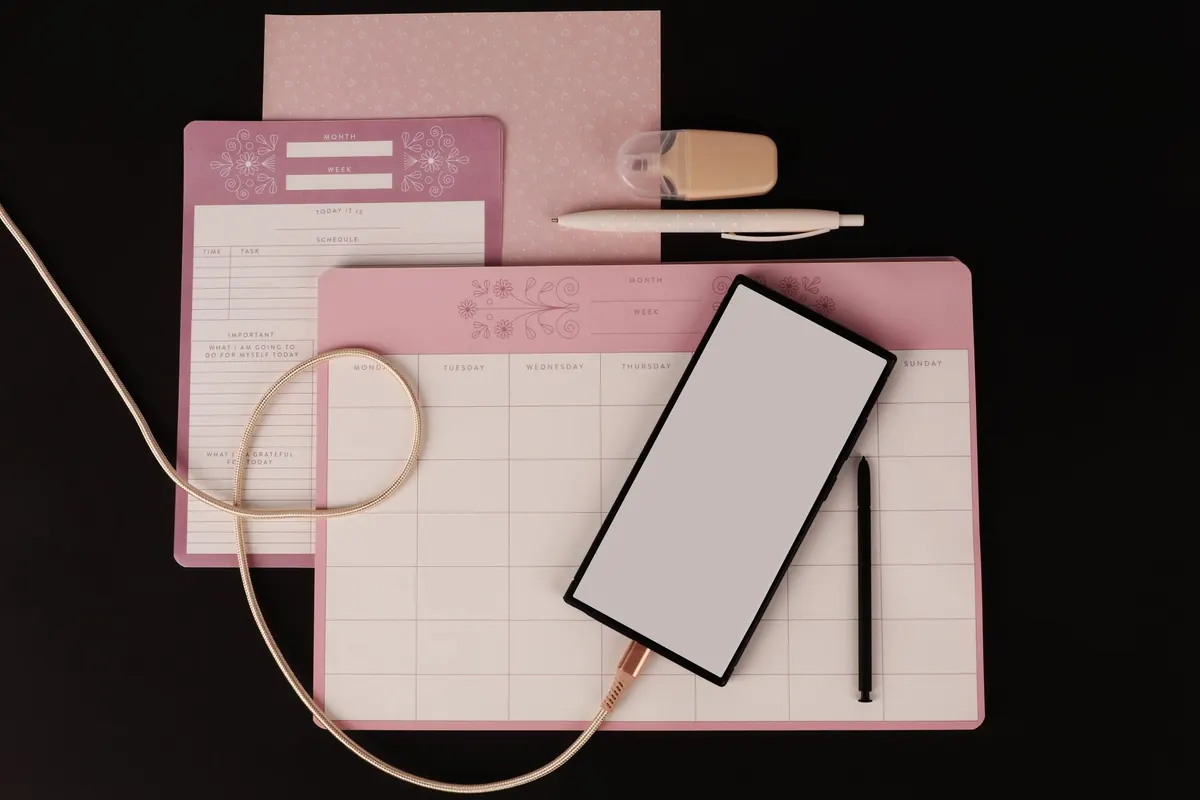
There are two kinds of people at the kitchen table on a Sunday evening. One is drawing a grid into next week's notebook with a ruler. The other is tapping through a calendar app, setting a reminder for Tuesday and wondering whether they already have a list somewhere for the bathroom tiles. Both are answering the same question: what do I need to do, and what have I already decided?
Bullet journalling and digital planning take opposite routes to that answer. One is paper, a pen and a system you build yourself. The other is an app, a search bar and a structure someone else designed. Neither wins in the abstract. The useful question is which one fits the way you actually lose track of things.
What Each System Actually Does
A bullet journal is a notebook with a method attached. You begin with an index, add a future log for the year and a monthly log for the weeks ahead, then create daily entries as you go. Tasks get a dot, finished ones get a cross, and anything still open gets a decision: do it now, schedule it, or drop it. That last step is called migration, and it does most of the work. Rewriting a task in your own handwriting forces you to admit whether it matters.
Digital planning is usually three tools working together: a calendar for time, a task manager for actions, and a notes app for everything else. Appointments sit in the calendar, recurring chores live in the task list, and meeting notes or reference material go into an app you can search. Once a recurring task is set, it appears forever without you thinking about it.
Tasks: Capture, Prioritise, Repeat
If you like seeing your week at a glance, the bullet journal's daily log is hard to beat. You write today's date, dump everything on your mind, and mark each line with a symbol. The standard set is simple enough to learn in a minute:
- · A task to do
- × A task completed
- > A task migrated to next month's list
- < A task scheduled for a specific future date
The catch is repetition. If you pay rent on the first of every month, you will write that line twelve times a year. Digital tools handle this better: set it once, add a reminder two days before, and forget it. What they handle worse is volume. A task list that grows quietly for three months can reach two hundred items without anyone noticing, and a screen does not shame you the way a full page does.
Whichever you choose, one habit matters more than the tool: a weekly review. Fifteen minutes on a Friday to clear dead tasks, move what is left, and look at the week ahead. Paper users call it migration; digital users call it tidying the inbox. It is the same job.
Notes: Structure, Search and Recall
Paper notes are slow, and the slowness is often the point. Writing by hand gives you time to compress a messy meeting into five lines, and many people find they remember those five lines far better than a typed transcript they never reopen. The weakness is retrieval. Your index is the search engine, and it only works if you actually fill it in. Give every collection a page number the moment you start it, or you will be flicking through sixty pages looking for the plumber's quote.
Digital notes win on finding things again. A search box beats an index every time, and you can attach photos, PDFs, voice memos and scanned receipts without worrying about space. The risk is that folders multiply. A naming convention fixes most of it: start every note title with the date in year-month-day format, then the subject. "2025-03-14 Client call — pricing" sorts correctly forever and takes two seconds to type.
The Honest Trade-offs
Where paper wins
- No battery, no updates, no notifications pulling you elsewhere.
- Total freedom of layout — a mind map, a table and a sketch can share a page.
- Everything in one physical place, which suits people who hate switching apps.
- Writing slows your thinking enough to notice when a plan is nonsense.
Where digital wins
- Search, sync and automatic backup across phone, tablet and laptop.
- Reminders and recurring tasks that do not rely on you remembering.
- Sharing: a shopping list or project plan two people can edit together.
- No weight. A year of daily logs is a heavy thing to carry.
Be honest about the failure modes, too. Paper gets lost, soaked or left at home, and a lost notebook takes a month of plans with it. Digital tools fragment: your tasks in one app, your notes in another, your calendar in a third, and none of them quite agreeing. Both systems fail when you stop opening them.
A Hybrid That Usually Works
Many people end up with both, and it works if you follow one rule: only one place is the source of truth for tasks. Choose it, then treat everything else as a capture tool.
If paper is your source of truth, keep the notebook for daily planning and thinking, and put only fixed appointments and recurring reminders in a digital calendar. Each evening, glance at the calendar and write tomorrow's commitments into the notebook. If digital is your source of truth, use paper as a scratchpad for thinking, then photograph or type anything worth keeping into your notes app the same day.
What you must avoid is maintaining two complete task lists. That is how people end up with a notebook full of unfinished items and an app full of duplicates, trusting neither.
How to Choose in Ten Minutes
- Count your recurring commitments. If you have more than a handful — bills, medication, weekly reports — a digital calendar earns its place.
- Notice how you lose things. If notebooks vanish or stay on the desk at home, go digital. If your phone is a distraction you avoid, go paper.
- Pick one system and commit for two weeks. Two weeks, not two days. Most systems feel clumsy on day three.
- Test the weekly review. If it happens twice in a row, the system is working. If it never happens, the format is wrong, not you.
- Change one thing at a time. Add a simple index before you redesign your whole layout; add a second folder before you migrate to a new app.
Neither option is a personality test. A bullet journal suits people who think in ink and want a system they can bend. A digital planner suits people with repeating commitments, shared lists and a lot of reference material. Start with the one that matches your weakest point, whether that is forgetting, searching or simply opening the thing. Then give it a fortnight before you judge it.
Photo: Ann H / Pexels